Image

2. Create New Student Page
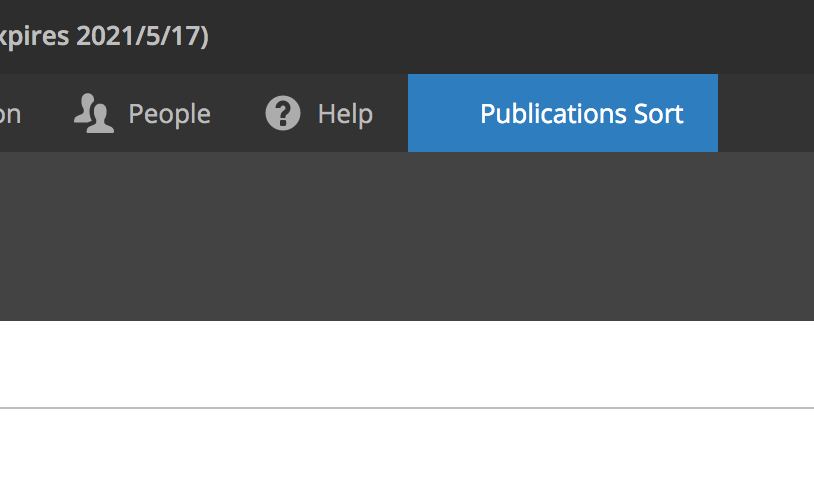
In the top menu, click the
'Publication Sort' button
*Click 'Manage' in the top left if you don't see the menu
Image
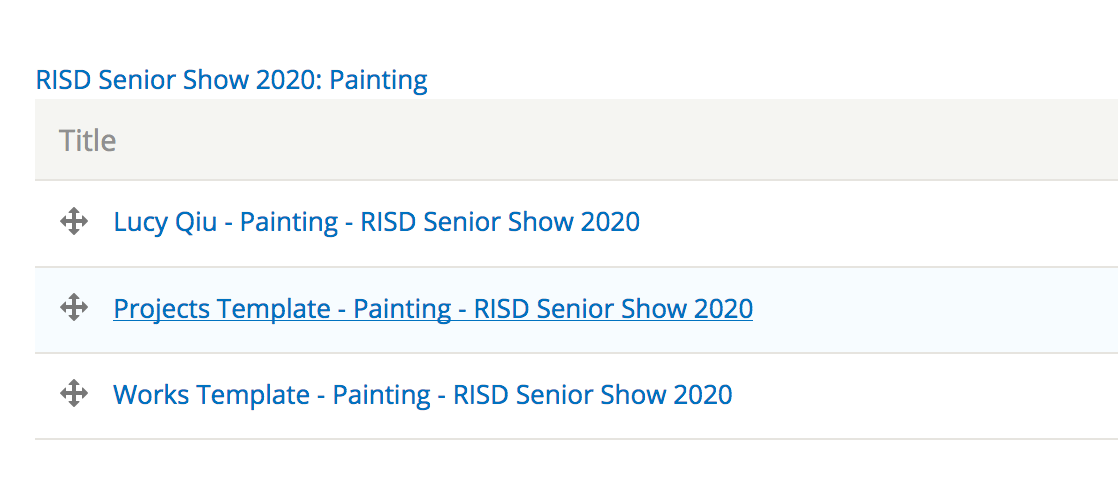
Find the department's publication
Senior publications will be labeled:
'RISD Senior Show 2020: Department Name'
Select the appropriate template ('Works' or 'Projects')
Image
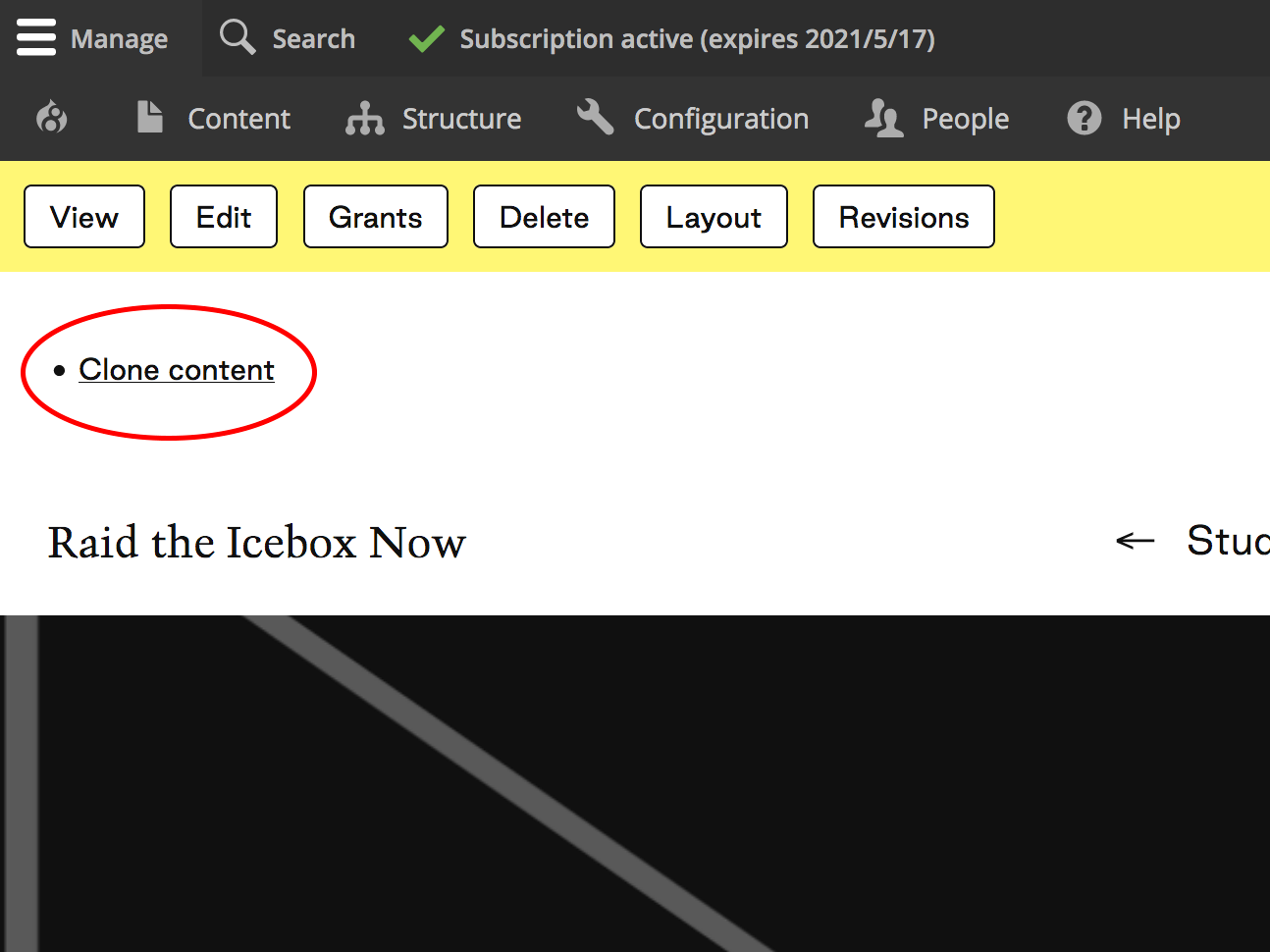
Clone the template
Once you open the template, click the 'clone content' button in the top left corner
Image
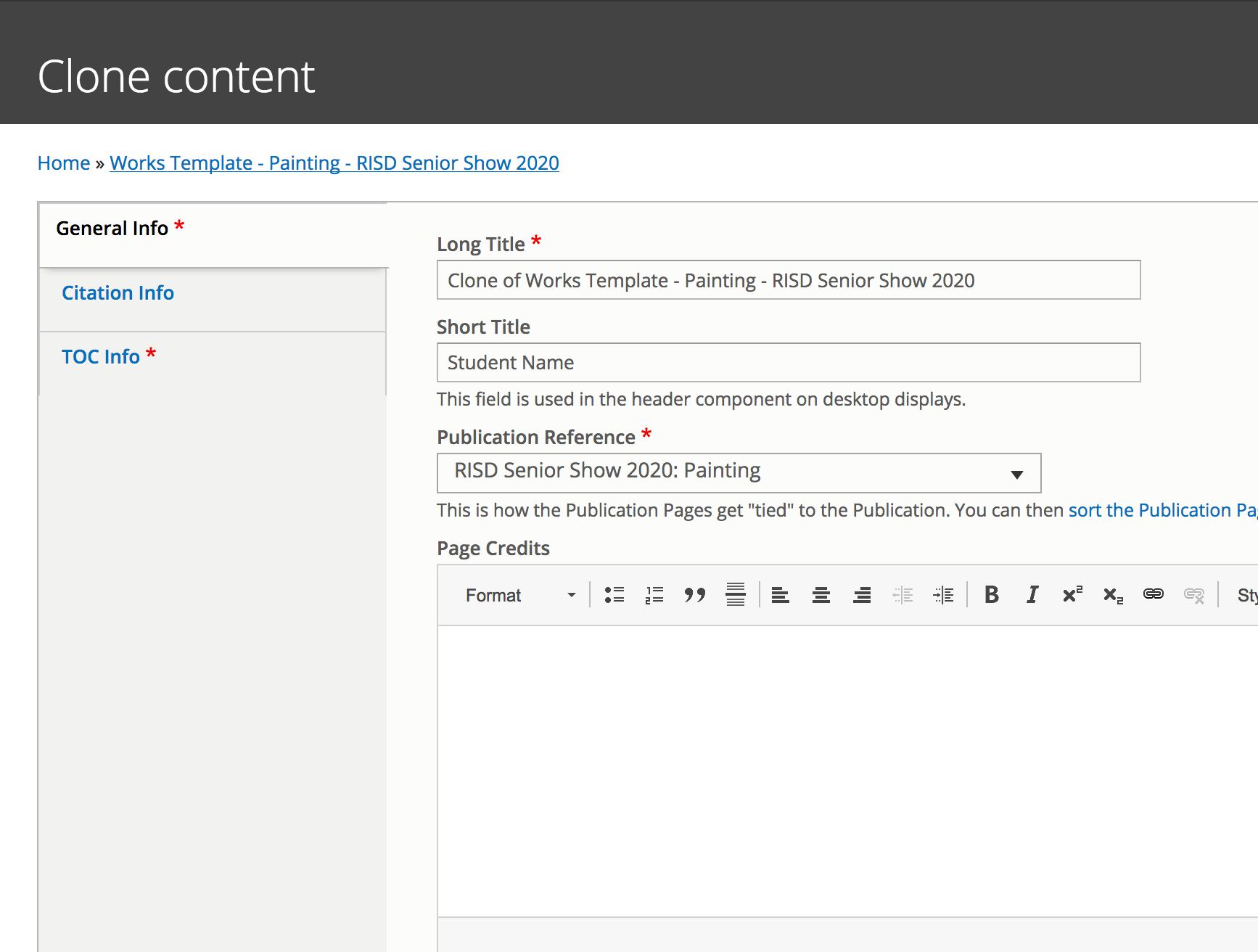
Fill out required fields
Replace 'Clone of...' text with student
name under 'Long Title' field
(ex. Lucy Qiu - Painting - RISD Senior Show 2020)
Important (do not skip):
Replace 'Student Name' under 'Short Title' field
Under 'Publication Reference' confirm appropriate department pub from dropdown menu
In 'TOC info' tab on the left, replace 'Student name' field
Click 'Save'
Image